01
Interactive learning and reference
Build interactive views around saved data, direct manipulation, visual relationships, and reference material the learner can explore.
See it in the work
Geographic Detective AcademyTechnical skills
The stack matters because it determines what I can make useful: an interactive reference, a worksheet generator, a course website, or a repeatable production process.
My role in the work
I design the learning experience, write the specification, and direct AI-assisted implementation. I inspect the output, test it against the brief, troubleshoot problems, and revise. The educational decisions and the responsibility for checking the work remain mine.
Build interactive views around saved data, direct manipulation, visual relationships, and reference material the learner can explore.
See it in the work
Geographic Detective AcademyStructure reusable interfaces and application behavior for educational tools that run in the browser.
See it in the work
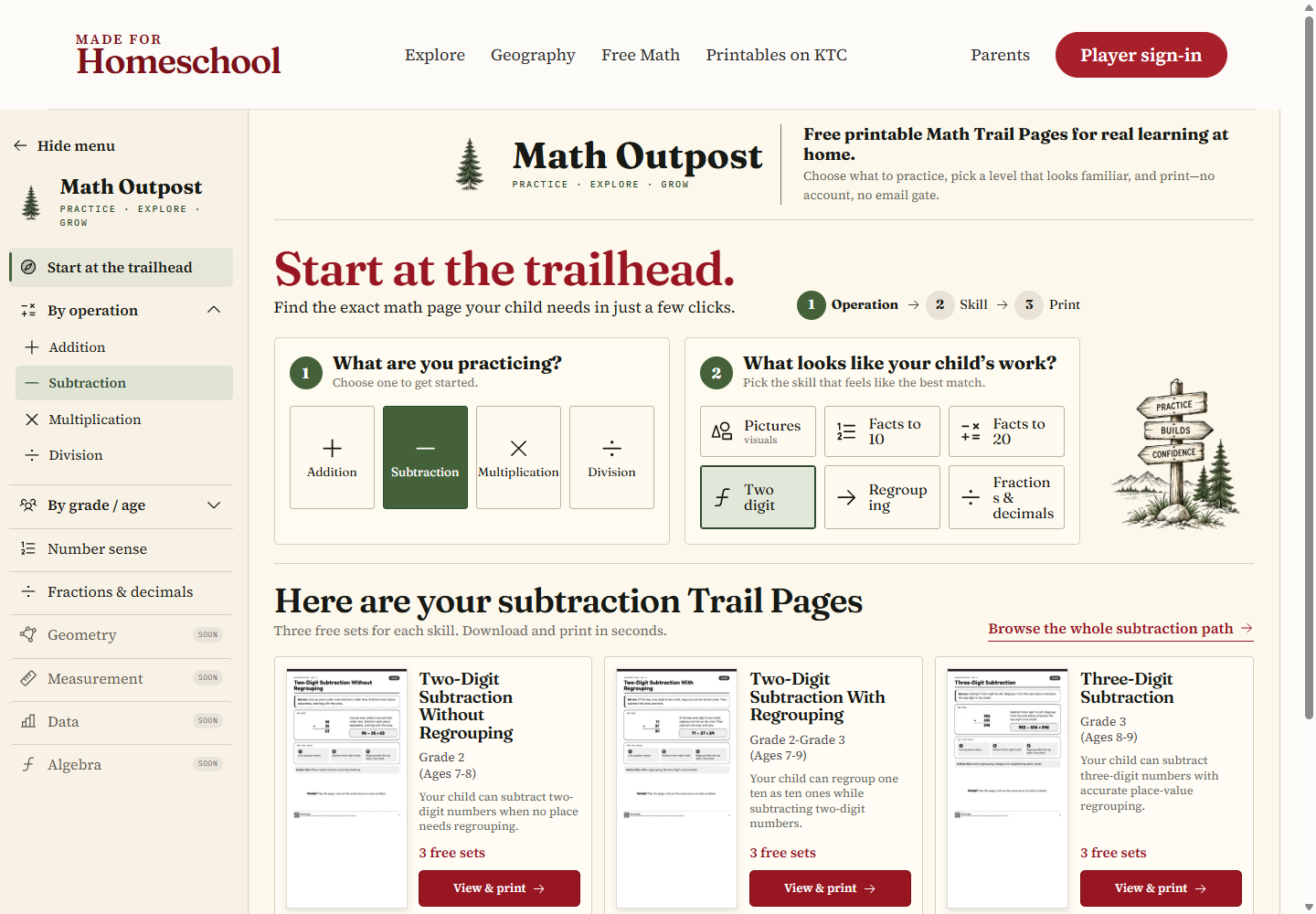
Math OutpostKeep content and rules in durable sources, generate repeatable outputs, and check the rendered result. Chromium renders the print output; image and PDF tools support preparation and checks. The same source can support a web page, a print layout, or several related editions.
The wider Made for Homeschool platform uses Supabase for accounts, data, and download entitlements; Stripe for payments; and GitHub and Vercel for versioned source and delivery. These services support the platform around its public learning resources.
See it in the work
Math OutpostChecks before delivery
Check factual claims, worked examples, instructions, answer keys, and the relationship between a task and its learning goal.
Inspect the actual printed or on-screen result for readability, page fit, hierarchy, missing assets, and broken references.
Test the important interactions, responsive layouts, keyboard access, links, and state behavior in the experience people will use.
Keep source and output versions, record what changed, and verify the delivered version rather than relying on a successful build message.
A course website, a browser activity, a printable system, or an educational resource that needs to work.
Let's talk